I grabbed a few hours this week to work on my next colour mixing project for Spring, ultra violet is 2018's Pantone colour of the year and as I haven't had the opportunity to work many purples into my creations this was the perfect time.

So here's the first of my colour mixing venture with purple hues, I wanted to keep these light for the upcoming spring and summer season.
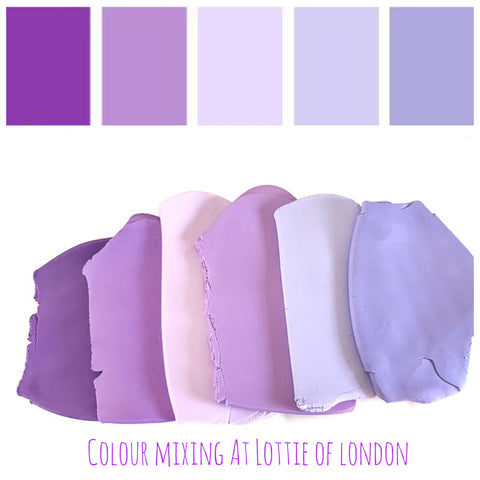
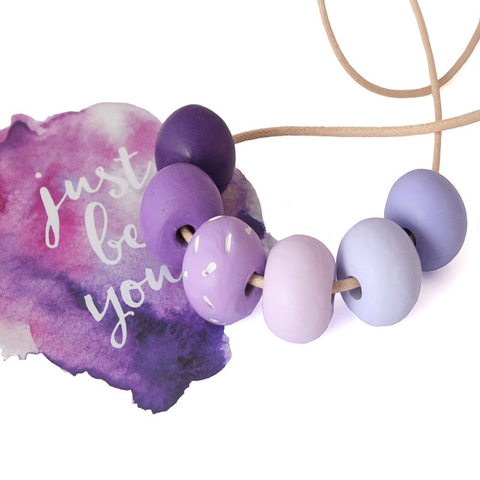
I think this makes the perfect combination for a new addition to our long statement necklace collection.

I also tried another purple colour mix as seen below with two additional colours, a soft peach and yellow hue. I love this combination its reminds me perfectly of spring especially crocuses.
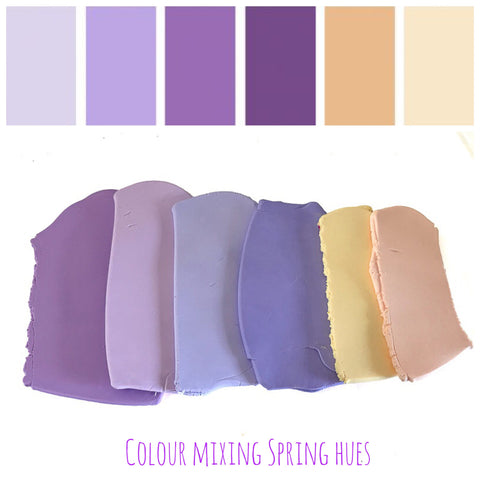
I've yet to create something with this colour combination but I am thinking a Klimt design would be perfect to capture all the colours.
In the meantime our new Purple Long Bead Necklace will be available for purchase from the 22nd March so keep your eyes peeled for our latest addition.

Read more about out statement necklaces here
- I'm in love with Prue Leiths style on The Great British Bake Off
- Red Long Statement Necklace Commission
This Blog post was orignally published on18/3/2018 at LottieOfLondon.co.uk/blogs